Best Sunset Wallpapers for iPhone
Choose sunset wallpapers that glow on an iPhone lock screen, with tips on golden-hour color, clock contrast, gradients, resolution, and live motion.
There’s a reason sunset is one of the most-set wallpaper themes ever: warm orange, pink, and purple light feels good to look at, and the smooth color gradient of an evening sky is one of the most flattering things a phone screen can show. A great sunset wallpaper turns your lock screen into a little window onto golden hour. The trick is choosing one where the color sits well behind the clock and stays smooth rather than banded. Here’s how.
Sunset styles to choose from
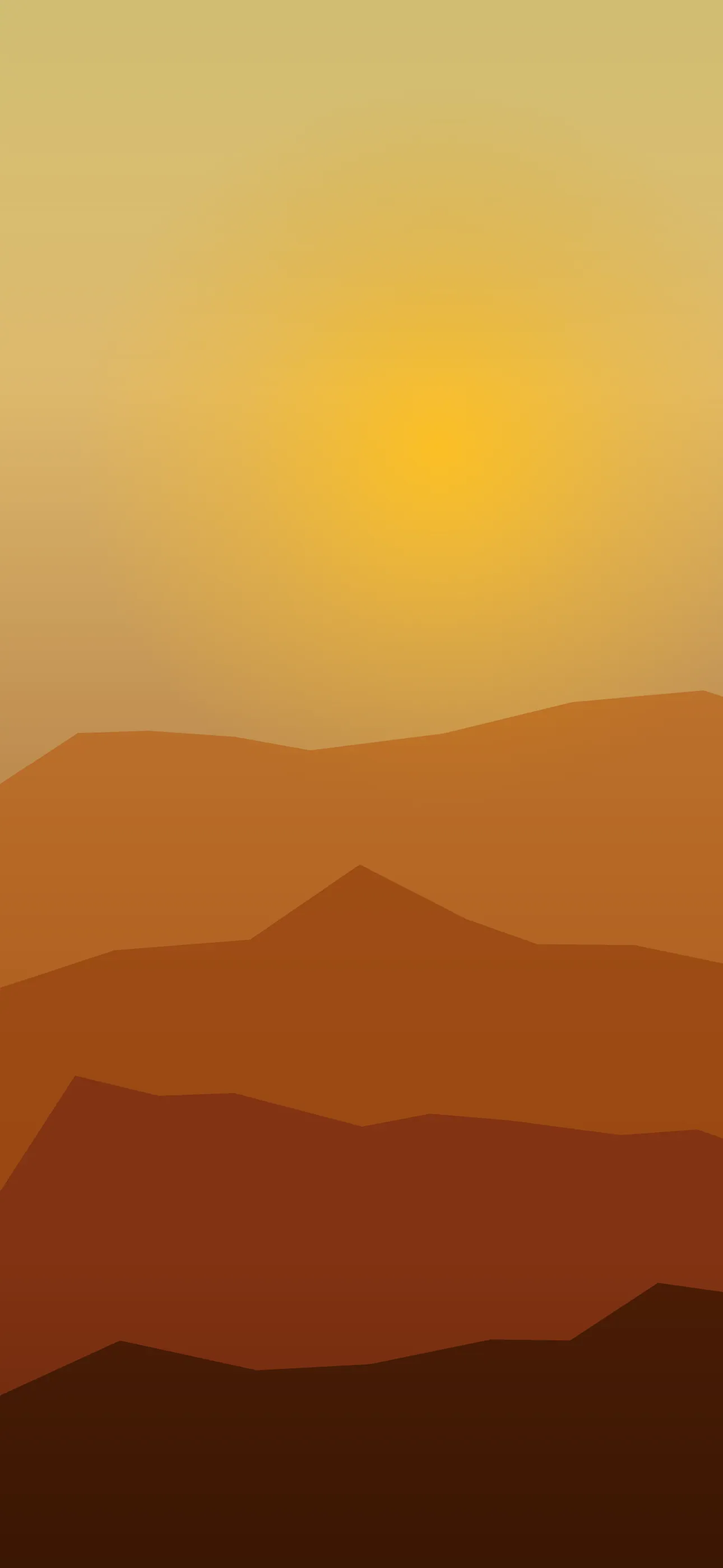
- Pure sky gradient — a smooth band of orange fading to pink and deep blue, no horizon; clean and modern.
- Sunset over water — the sun low over the sea, with a glowing reflection trailing toward you.
- Silhouette sunset — palm trees, mountains, or a skyline in black against a vivid sky.
- Golden-hour landscape — warm low light washing over fields, dunes, or a coastline.
- Afterglow — the deep purples and pinks that linger just after the sun drops.
A nice two-piece set is one bright, vivid sunset and one quiet afterglow for a calmer evening look.
Composing around the clock and Dynamic Island
The smooth upper sky of a sunset is usually the simplest part of the image, which makes clock placement easy. The thing to watch is the sun itself.
- Keep the bright disc of the sun out of the clock zone in the upper-middle, or the time gets hard to read against the glare.
- A calm band of even sky behind the Dynamic Island keeps the cutout seamless.
- Let a silhouette or horizon anchor the lower part of the frame, near the widgets, with open sky up top.
Widget contrast and readability
The white clock and widget text read best over the deeper, cooler part of a sunset sky — the upper blues and purples. The bright orange band near the horizon can wash out white text. Position the image so the cooler sky falls behind the clock and widget row, or use the editor to gently deepen that band. A silhouette sunset is especially easy here, since the dark foreground gives widgets strong contrast.
Color and gradient quality
Sunsets are all about the gradient — the smooth blend from warm to cool. That smoothness is exactly where low-quality images fail, showing visible stair-step banding across the sky. Favor clean, high-quality images so the color stays buttery. Sunset color pairs beautifully with a minimalist lock screen and sits in the same warm family as our summer wallpapers guide.
Resolution keeps it smooth
A small saved sunset image stretched to fill the screen loses both its fine horizon detail and its smooth gradient, leaving you with banding and blur. Start from a wallpaper sized for your iPhone (1290x2796 on the current Pro Max) so the sky stays clean edge to edge. This is the single most common way sunset wallpapers go wrong.
Depth Effect with a silhouette
A pure sky gradient has no single subject, so it generally won’t trigger the layered Depth Effect, where iOS tucks the clock behind an object. A silhouette sunset with a clear foreground shape — a single palm tree or a defined skyline — can sometimes work, with iOS lifting the dark subject forward and the time tucking behind it. If the layered look is the goal, choose an image with one clear foreground subject; the Depth Effect explainer covers the details.
Live motion at golden hour
Sunset motion is gentle and lovely: clouds drifting across the warm sky, light shimmering on water, or a slow parallax. A live wallpaper plays when you touch and hold the lock screen, and a slow, continuous drift suits the calm of golden hour far better than anything fast.
Building your set with Wallpaper Hub
Saved sunset photos often arrive too small or banded. A curated library avoids that. In Wallpaper Hub you can browse sunset skies, seascapes, and silhouettes framed for iPhone, plus live versions and tools to make your own:
- Use the AI generator for a one-of-one — try “smooth sunset sky gradient, orange to pink to deep blue, no horizon, calm upper area” or “silhouette palm trees against a vivid orange sunset over water.”
- Open the editor to deepen the sky behind the clock, shift the color warmer or cooler, or crop a horizon into the lower frame.
- Sunsets pair well with the nature collection — see also our nature wallpapers guide.
Quick checklist
- The sun’s bright disc kept out of the clock zone
- Cooler upper sky behind the clock and widgets for readable text
- High-quality gradients to avoid banding
- Native resolution so the sky stays smooth, not upscaled
- A single foreground silhouette if you want Depth Effect
Wallpapers from Wallpaper Hub
Full gallery