Best Nature Wallpapers for iPhone
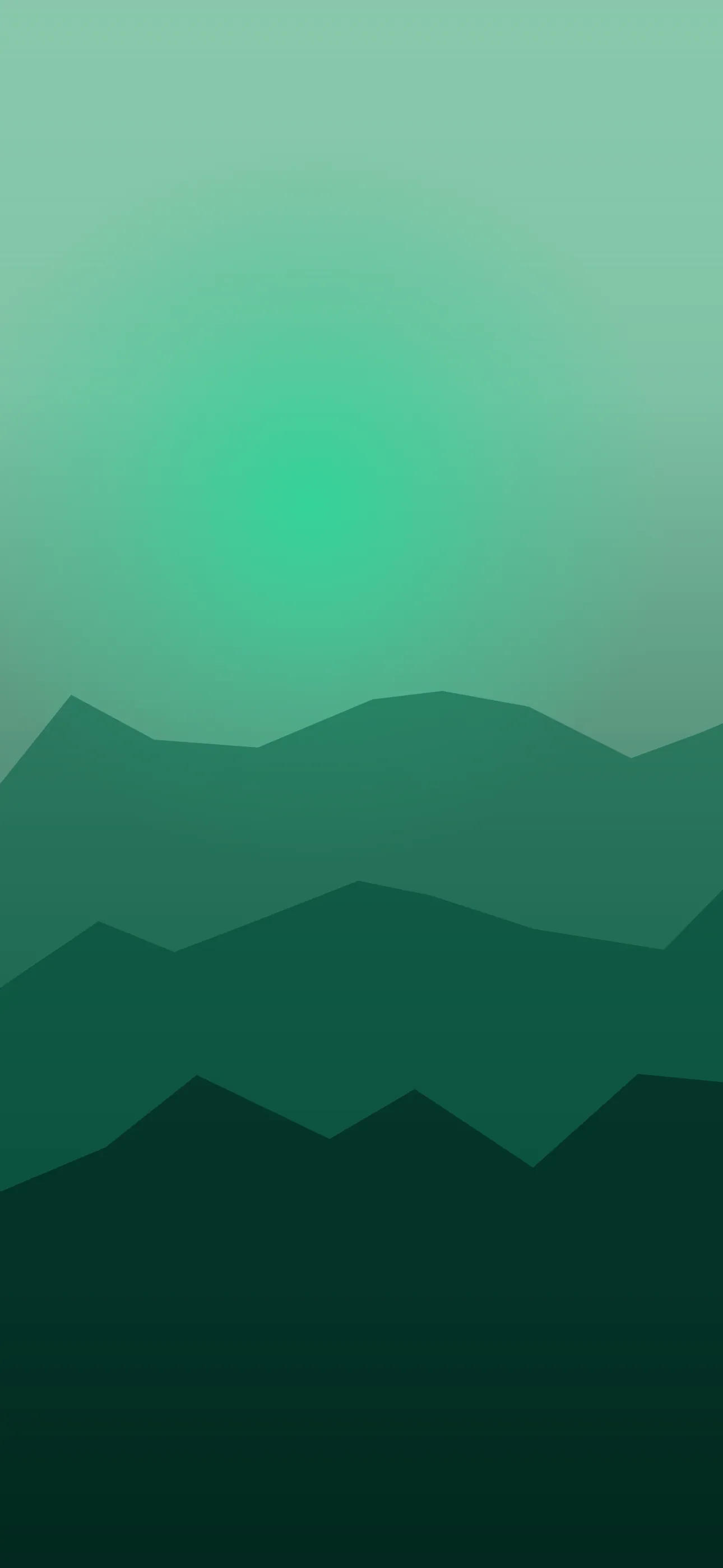
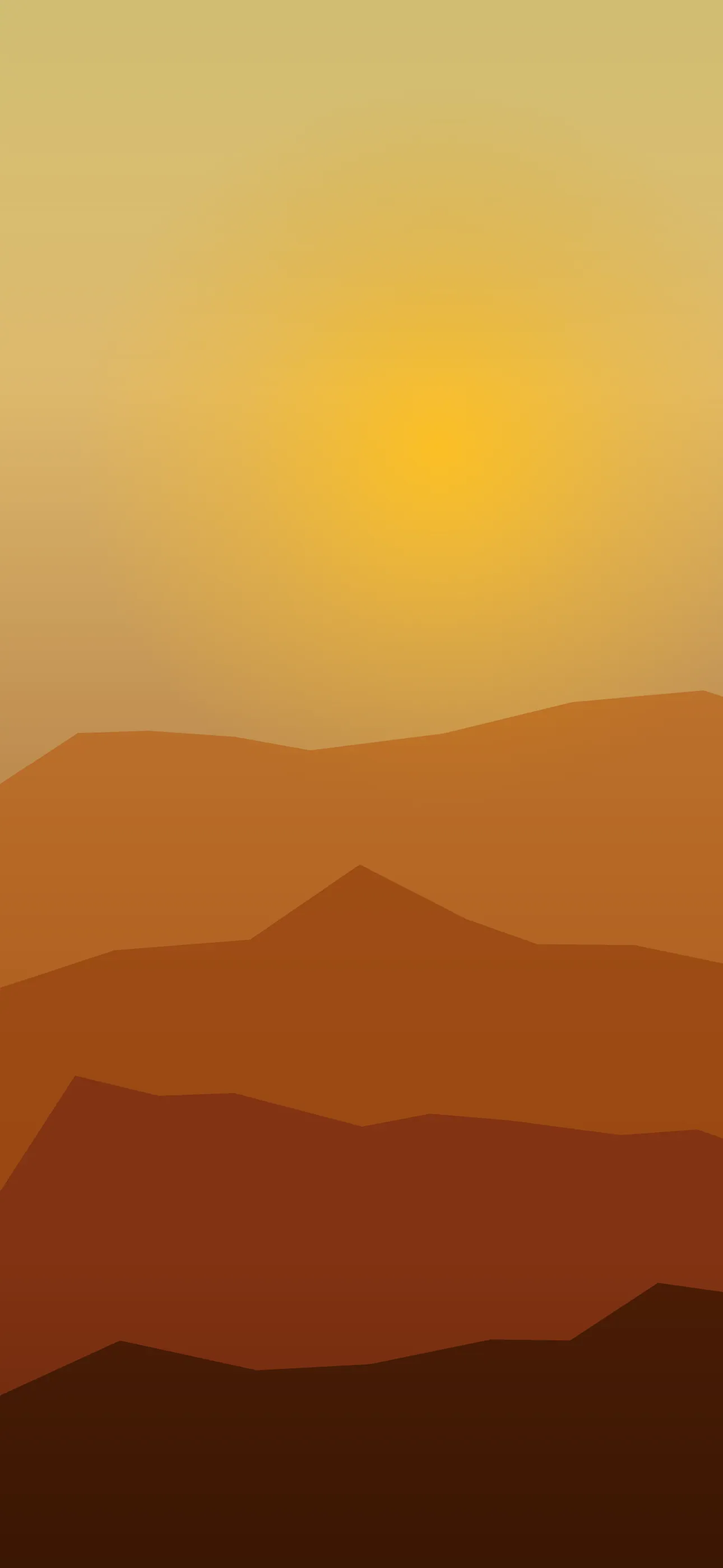
Five nature wallpapers for iPhone, from a calm classic scene to live motion, AI originals, and Depth Effect picks composed around clock and widgets.
Nature is the broadest wallpaper category there is — it spans dense forests, single leaves, fields, waterfalls, deserts, and golden-hour skies. That range is exactly why it’s worth thinking about before you set one. A sweeping vista and a close-up of a fern create completely different lock screens, and only some of them play nicely with the clock and widgets. This guide sorts the nature aesthetic into the styles that actually work on a phone and shows you how to frame them.
Wide scenes vs. close-ups
The first decision is scale, and it changes everything:
- Wide scenes — forests, fields, coastlines, valleys. They feel immersive but can get busy near the top, where the clock sits. Best when there’s open sky or water in the upper frame.
- Close-ups — a single leaf, a flower, dew on grass, bark texture. These read almost like minimalist or abstract art and give you a clean subject for layering.
- Macro and texture — moss, petals, ripples. Calming, low-contrast, and easy on the eyes for all-day use.
If your home screen is busy with apps, a calm close-up keeps things readable. If you want that “window to somewhere else” feeling, a wide scene with quiet sky up top is the move.
Framing around the clock
Nature photos are usually shot in landscape, so the crop matters more here than almost anywhere. On the lock screen the clock occupies the upper-middle, and the Dynamic Island cuts into the very top. You want the detailed, eye-catching part of the scene in the lower two-thirds, with something simpler — sky, water, mist, soft bokeh — behind the time.
A forest shot works best when sunlight or open canopy sits up top. A field works when the horizon is low and sky fills the upper frame. A close-up works when the soft, out-of-focus background falls behind the clock. At 1290x2796 on the current Pro Max, there’s enough resolution to keep fine foliage detail crisp even after you respect those safe zones.
Palettes by mood
Nature gives you an enormous palette range, and each one sets a different tone:
- Forest greens — grounding and calm, pair well with white clock text.
- Autumn amber and rust — warm and cozy, great for fall Focus modes.
- Desert tans and clay — quiet, almost minimalist, friendly with most widgets.
- Misty blue-grey — soft and soothing, very legible.
- Deep night forest — near-black greens that suit OLED, where true-black pixels switch off on iPhone 14 Pro and later.
Where Depth Effect helps
Nature close-ups are some of the best Depth Effect candidates on the phone. A single leaf, flower, branch, or blade of grass with a soft background gives iOS a clear foreground to isolate, so the clock layers behind it for a real sense of depth. Wide scenes rarely trigger it — there’s no single subject to lift. So if the 3D layered look is your goal, lean toward one defined plant or object in the lower frame. The What is the Depth Effect on iPhone? guide explains which images qualify.
Adding gentle live motion
Nature is the ideal subject for subtle movement: leaves swaying, water rippling, fog drifting, light shifting through trees. A live wallpaper plays when you touch and hold the lock screen, and with nature the rule is restraint — a slow, looping breeze feels alive; anything frantic feels gimmicky.
Putting it together with Wallpaper Hub
Saved-from-the-web nature photos almost always need cropping and often upscale poorly. A curated library skips that. In Wallpaper Hub the nature collection is already framed for iPhone screens, with live versions and tools to tailor a scene:
- Use the AI generator for a one-of-one — prompts like “sunlit forest floor, soft fog, open canopy at top, muted green” or “single dewy fern leaf, blurred background, soft morning light” work well.
- Open the editor to lower the horizon or soften the top of a busy scene so the clock stays clean.
- Keep one bright daytime scene and one dark night-forest version for day/night Focus.
If you want tighter, more graphic versions of natural forms, the abstract collection overlaps nicely, and you can browse every mood under styles. For more on the setup itself, see How to Set an Aesthetic Wallpaper.
Quick checklist
- Calmer, simpler area behind the clock (sky, water, bokeh)
- One clear plant or object if you want Depth Effect
- Dark night-nature versions for the OLED true-black look
- Native resolution so foliage detail stays sharp, not upscaled
- Subtle motion only, if you go live
Nature wallpapers in the app
All nature