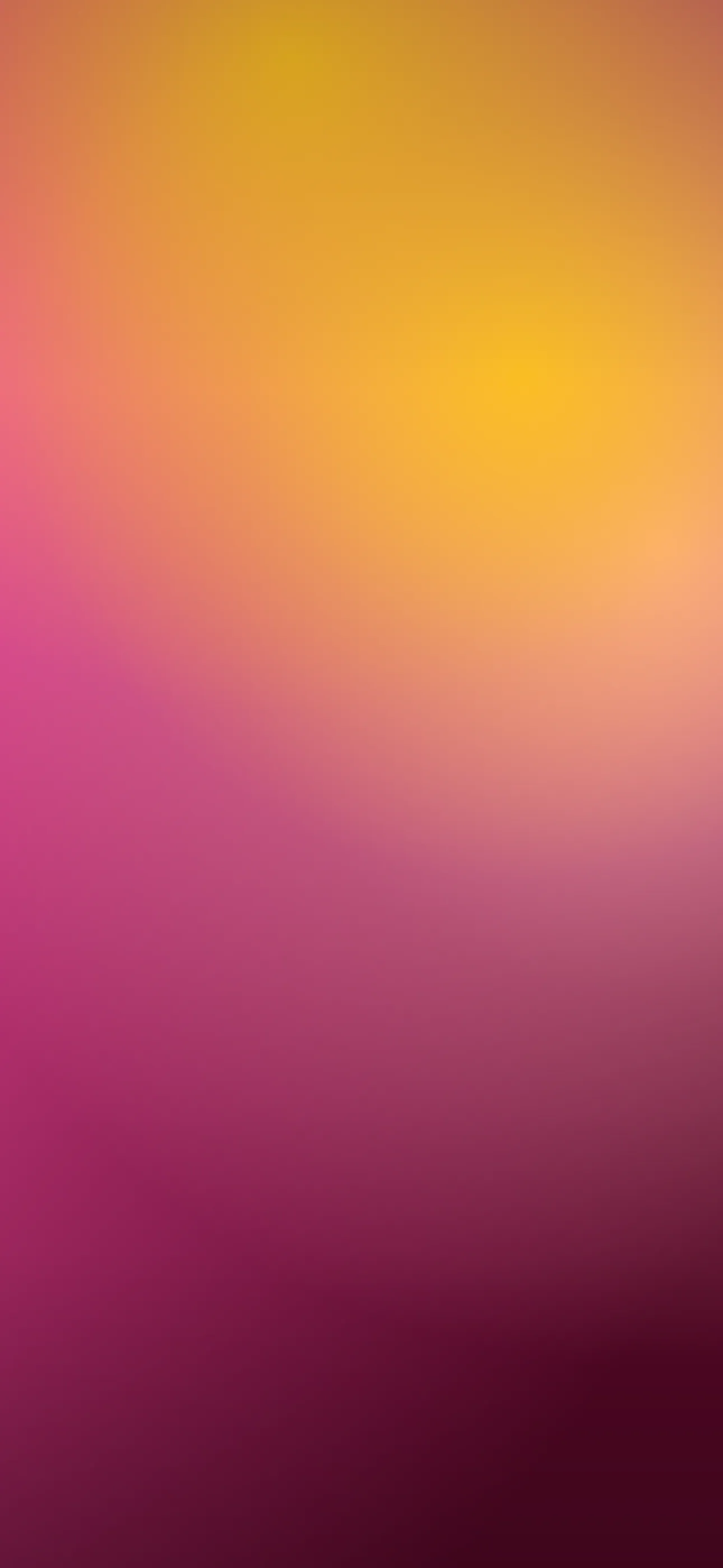
Best Watercolor Wallpapers for iPhone
A guide to watercolor wallpapers for iPhone — soft washes, palette tips, clock and widget contrast, resolution, and how to make a painterly lock screen.
Watercolor is one of the most calming wallpaper looks for an iPhone — soft washes, bleeding edges, and the slight unpredictability of paint on wet paper. It feels handmade in a way that flat digital gradients don’t, and it suits both the lock screen and the home screen. The catch is contrast: those gentle pale washes can swallow white clock and widget text. This guide covers what defines the watercolor look, the sub-styles worth knowing, and how to compose or generate one that stays soft and legible.
What defines the watercolor look
Watercolor’s signature is the way pigment moves in water — feathered edges, soft gradients where colors blend, granular texture in the washes, and patches of bare paper showing through. Unlike a digital gradient, it has visible “happy accidents”: blooms, runs, and uneven density. A good watercolor wallpaper keeps that organic quality rather than over-smoothing it into a plain blur.
Sub-styles within watercolor
- Abstract washes — pure color bleeding into color, no subject; calm and endlessly flexible.
- Floral watercolor — loose painted blooms and stems with airy negative space.
- Landscape and sky — soft mountains, seas, or sunset washes in a few graded bands.
- Splatter and bloom — energetic drips and spreading paint blooms; more dynamic.
- Monochrome ink-wash — a single color in graded values for a quieter, grown-up feel.
A nice pairing is one soft abstract wash for the home screen and one floral or landscape piece for the lock screen.
Palette and texture
Watercolor lives on its palette. Blush and peach for warmth; sage and dusty blue for calm; lavender and grey for something cooler; terracotta and ochre for an earthier mood. Because the medium blends, two or three colors that sit near each other on the wheel usually read more elegant than a rainbow. Leaving areas of bare “paper” — soft white or cream — gives the eye rest and, conveniently, gives the clock a clean place to sit.
Composing around the clock and Dynamic Island
Watercolor is usually a flat, all-over pattern, so think in terms of value (light and dark) rather than a single subject:
- Aim for a lighter or quieter wash in the upper-center clock zone if your text is dark, or a slightly deeper wash if you use the default white clock — the time needs to stand against whatever sits behind it.
- Keep the most saturated blooms in the lower two-thirds, around the widgets, so they frame the UI.
- A patch of bare paper behind the Dynamic Island keeps the cutout seamless.
Depth Effect, OLED, and widget contrast
Watercolor is typically a flat pattern, so it usually won’t trigger the layered Depth Effect — that effect wants a single clear subject like a rose or a planet, not an even wash. If you want both, pair a painted watercolor flower (single subject, plain ground) for Depth Effect with abstract washes elsewhere; see our Depth Effect explainer. Watercolor also isn’t a natural OLED-black look, since pale washes keep most pixels lit — for battery-minded dark looks, see the OLED dark wallpapers guide. The real watch-out is widget contrast: pale washes are notorious for washing out white widget text, so deepen the band behind the widgets or switch to a darker palette in that area using the editor.
Resolution and smooth washes
Watercolor’s soft gradients are exactly what shows banding when an image is too small and gets upscaled — smooth transitions break into visible steps, and the paper texture turns to mush. Start from a wallpaper sized for your iPhone (1290x2796 on the current Pro Max) so the washes stay smooth and the granulation stays crisp.
Generating and setting a watercolor lock screen
In Wallpaper Hub you can browse watercolor and abstract wallpapers framed for iPhone, or paint your own with AI:
- Use the AI generator — try “abstract watercolor wash, sage and peach, soft paper texture, light area at top for clock” or “loose watercolor wildflowers, pastel palette, airy negative space.”
- Open the editor to deepen the band behind the widgets, reposition the focus, or crop to the exact screen size.
- Watercolor sits naturally in the abstract and broader styles collections.
FAQ
Do watercolor wallpapers work with Depth Effect? Flat washes usually don’t trigger it. A single painted subject — one watercolor flower on plain ground — can.
Why does my watercolor wallpaper look banded? Smooth washes band badly when upscaled from a small image. Start from one sized for your iPhone, and keep widget contrast in mind so the pale areas don’t swallow the text.
Get Wallpaper Hub on the App Store
Keep one soft abstract wash and one painted floral on hand, and your lock screen stays calm and handmade without losing the clock.
Wallpapers from Wallpaper Hub
Full gallery