Best Space Wallpapers for iPhone (4K)
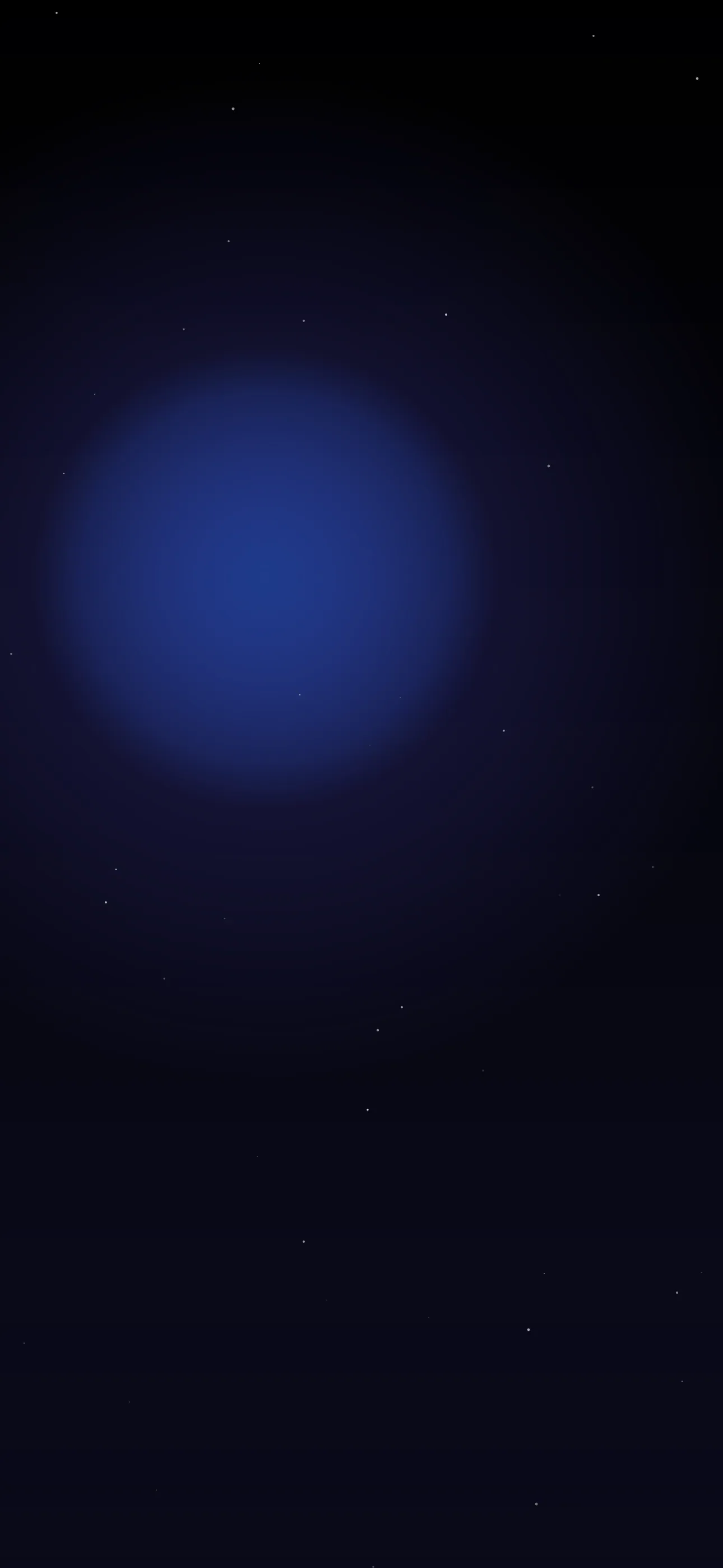
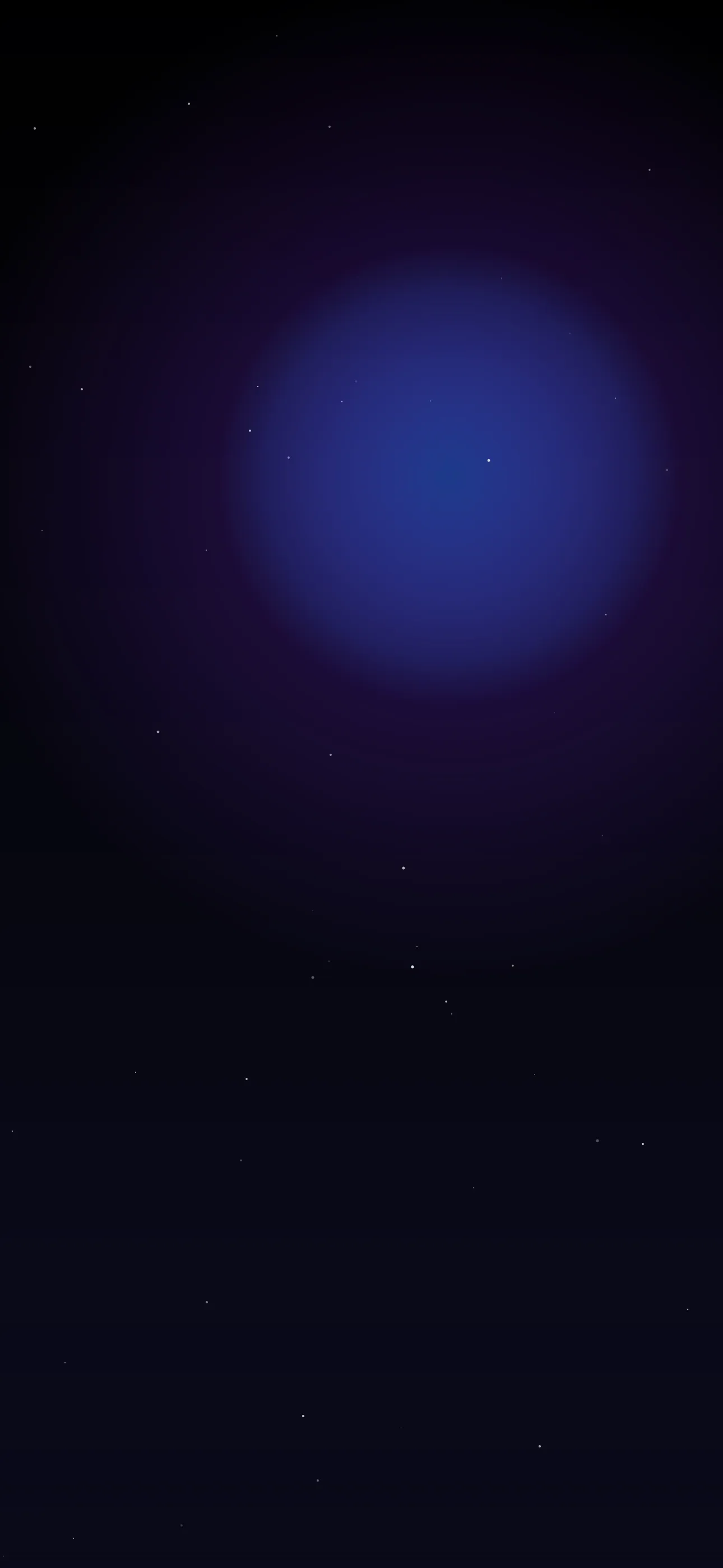
Five 4K space wallpapers for iPhone, from a classic starfield to live drifting motion, AI originals, and deep-black OLED picks ideal for Pro displays.
Space wallpapers and OLED iPhones were made for each other. A black starfield is mostly empty black — which is exactly the kind of image where a modern iPhone’s display looks its best, with deep, true blacks and pinpoint stars that seem to float on glass. Beyond the technical fit, space gives you endless variety: quiet starfields, vivid nebulae, planets, galaxies, the Moon. Here’s how to pick space wallpapers that actually look great behind your clock.
The space styles, from quiet to loud
- Starfields — black sky scattered with stars; minimal, calm, and the most OLED-friendly.
- Nebulae — colorful gas clouds in purple, teal, and magenta; vivid and dramatic.
- Planets — a single planet (Earth, Saturn, Mars) as a clean focal subject.
- Galaxies and the Milky Way — a band of stars arcing across the frame, often over a dark horizon.
- Lunar — a detailed Moon, stark and graphic against black.
A good two-piece set is one quiet starfield for everyday use and one bold nebula for when you want some color.
Why true black matters here
Every iPhone 14 Pro and later, plus the recent base models, uses an OLED panel where each pixel makes its own light — and pure-black pixels switch off completely. On a genuinely black space wallpaper, the empty sky goes truly dark, the bezels seem to vanish, and the stars and nebula colors pop with extra contrast. As a bonus, those off pixels draw slightly less power, so a black starfield is marginally easier on the battery than a bright wallpaper.
The catch: it only works if the black is real #000000, not a dark navy or grey. When choosing a space wallpaper, look for one with deep, clean blacks rather than a washed-out dark blue. The dark collection leans into exactly this.
Composing around the clock and Dynamic Island
Space is forgiving up top because the sky is often the simplest part of the image — empty black behind the clock is ideal. The things to watch:
- Keep bright features (a nebula’s core, a planet, the Moon) out of the clock zone in the upper-middle, or the time gets hard to read.
- A starfield is nearly bulletproof — scattered stars never crowd the clock.
- For a planet or the Moon, position the subject in the lower or side of the frame so it sits among the widgets rather than behind the time.
At 1290x2796 on the current Pro Max, fine stars and nebula detail render sharply — but only at native resolution. A small upscaled space image loses its stars to compression, which is the most common way these go wrong.
Depth Effect with planets and moons
Space has one excellent Depth Effect subject: a single planet or moon. With one round, well-defined object against black, iOS can isolate it cleanly and layer the clock behind it, so the time tucks behind the curve of the planet for a striking 3D look. Starfields and nebulae usually won’t trigger it — there’s no single subject — so if the layered effect is the goal, choose a planet or lunar shot. The What is the Depth Effect on iPhone? guide explains which images work.
Live motion in space
Space motion is some of the most satisfying live wallpaper you can set: slowly drifting stars, a rotating galaxy, twinkling, or a gentle parallax that makes the depth feel real. A live wallpaper plays when you touch and hold the lock screen — slow, continuous drift suits the vastness of space far better than anything fast.
Building your set with Wallpaper Hub
Saved space images often arrive too small and fall apart when upscaled. A curated library avoids that. In Wallpaper Hub you can browse starfields, nebulae, and planets framed for iPhone resolutions, plus live versions and tools to make your own:
- Use the AI generator for a one-of-one — try “deep black starfield, scattered stars, faint purple nebula at bottom, true black sky” or “single ringed planet, lower frame, against pure black space.”
- Open the editor to darken the sky to true black or move a planet below the clock.
- Keep a minimal starfield and a vivid nebula for different moods.
Space pairs naturally with the dark and abstract collections, and you can browse the full range under styles. For setup tips, see How to Set an Aesthetic Wallpaper.
Quick checklist
- True
#000000black to get the OLED look on Pro and recent models - Bright features (nebula core, planet, Moon) kept out of the clock zone
- A single planet or moon if you want Depth Effect
- Native resolution so stars stay sharp, not upscaled
- Slow drifting motion if you go live
Wallpapers from Wallpaper Hub
Full gallery