Best Mountain Wallpapers for iPhone
Five mountain wallpapers for iPhone, from a crisp classic peak to live motion, AI originals, and Depth Effect picks that layer the clock behind ridges.

Mountains are one of the few photographic subjects that genuinely improve a phone screen instead of cluttering it. A strong ridge line gives the eye somewhere to rest, the sky up top leaves natural room for the clock, and the scale just feels good to glance at twenty times a day. The trick is choosing mountain shots that are composed for a tall 19.5:9 screen — not landscape photos awkwardly cropped to fit. Here’s how to pick ones that look right on an iPhone lock screen.
The sub-styles worth having
“Mountain wallpaper” covers a wide range of moods. The ones that work best on a phone tend to fall into a few buckets:
- Alpine peaks — sharp, snow-capped summits against a clear sky. High contrast, very legible.
- Misty layered ridges — rows of mountains fading into haze, soft and calming, often nearly monochrome.
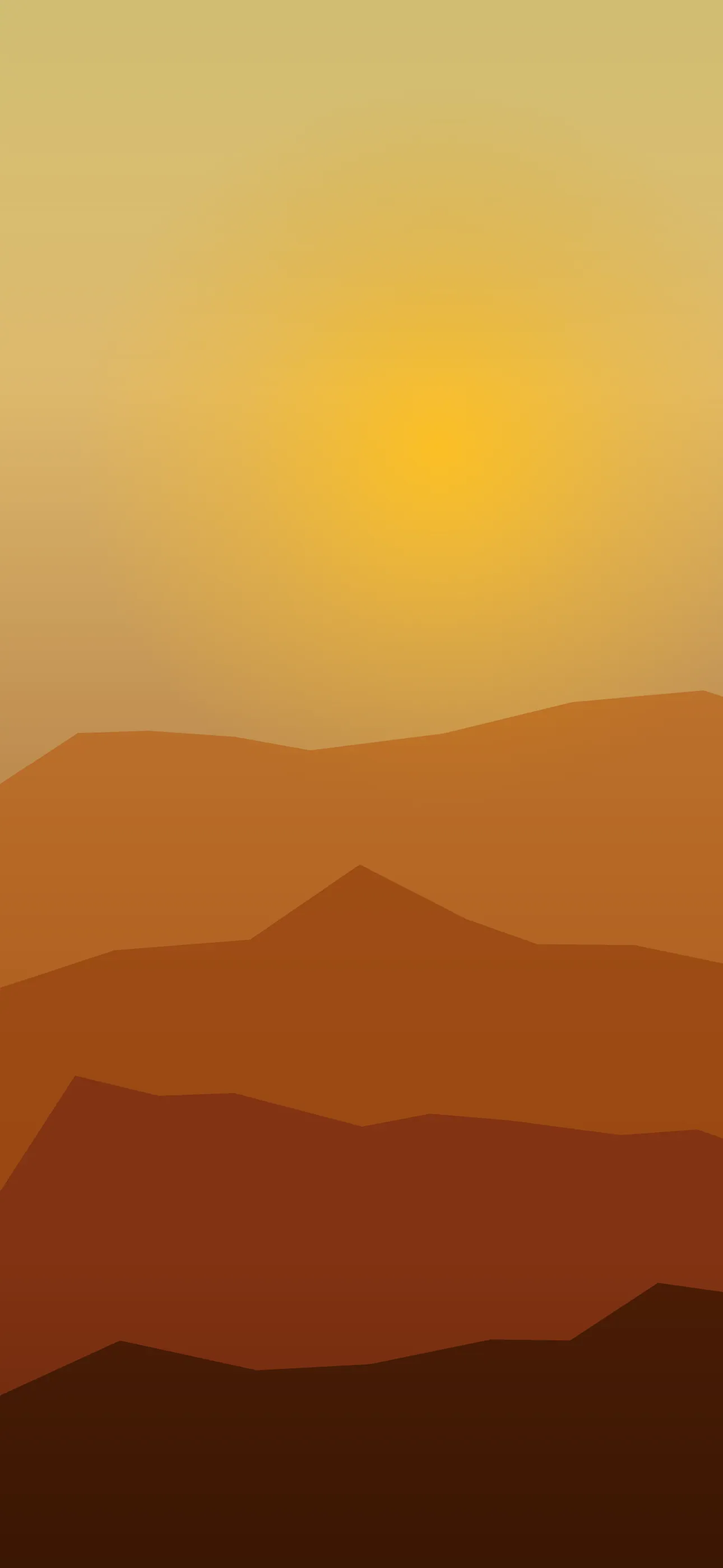
- Golden-hour silhouettes — dark ranges against a warm sunrise or sunset gradient.
- Minimal line-art mountains — illustrated triangular peaks, closer to the minimalist look.
- Night and astro — a dark ridge under a star field, which doubles as a space-leaning aesthetic.
Keeping a couple of these on rotation — say one bright daytime peak and one moody night ridge — gives your lock screen range without leaving the theme.
Reading the composition for an iPhone screen
A mountain photo that’s gorgeous in landscape can be a mess cropped vertical. What you want is a shot where the horizon or ridge line sits in the lower half of the frame, leaving open sky up top. That sky is where the clock and Dynamic Island live, so it needs to stay relatively clean and uncluttered.
Misty, layered ridge shots are the most forgiving — the haze naturally softens the upper portion so the time stays readable. Sharp alpine peaks can work too, as long as the summit isn’t poking right through the clock numbers. At full resolution (1290x2796 on the current Pro Max), a well-chosen vertical mountain shot has plenty of detail to spare even after you account for the safe zones.
Why mountains are great for Depth Effect
This is where mountains shine. iOS’s Depth Effect isolates a clear foreground subject and tucks the clock behind it — and a defined peak or ridge in the lower-to-middle frame is exactly the kind of subject it likes. When it works, the time slides behind the summit and the whole scene gains a layered, dimensional feel.
To get it, choose a shot with a strong, distinct ridge edge against a clean sky rather than a hazy, low-contrast blend. Single dramatic peaks tend to trigger it more reliably than soft, layered fog. If you want to understand the mechanics, What is the Depth Effect on iPhone? walks through it.
Palettes and time of day
Mountain palettes carry a lot of mood:
- Cool blue-grey (overcast or snow) reads calm and clean, pairs well with white widget text.
- Warm amber and pink (golden hour) feels cozy and works for a home/relaxed Focus.
- Deep navy-to-black (night ridges) is ideal on OLED — the dark sky lets true-black pixels switch off, so the stars pop and the panel sips a little less power. Every iPhone 14 Pro and later, plus the recent base models, has an OLED screen that benefits from this.
Live motion done tastefully
A mountain scene doesn’t need much movement to feel alive. Drifting clouds, a slow shift of light across a ridge, or a gentle parallax are enough. A live wallpaper plays when you touch and hold the lock screen, so subtle is better than busy — you want the peak to stay the star.
Setting it up with Wallpaper Hub
Rather than hunting for landscape photos and fighting the crop tool, browse a library that’s already framed vertically. Wallpaper Hub keeps a curated set of mountain and nature scenes cut for iPhone resolutions, alongside live versions and tools to make your own:
- Use the AI generator for a peak that doesn’t exist anywhere else — try “misty layered mountain ridges at dawn, soft fog, muted blue, open sky at top” or “sharp snowy summit, golden sunrise, clear sky.”
- Open the editor to nudge the ridge line lower or warm up the sky so the clock zone stays clean.
- Pair a bright daytime peak with a dark night ridge for day/night Focus modes.
If you like the outdoorsy direction, the broader nature collection is worth a look too, and you can compare other moods over in styles.
Before you set one
- Open sky in the top third so the clock stays legible
- A clear ridge edge if you want Depth Effect to layer the time
- Dark night versions for the OLED true-black look
- Native resolution so the peaks stay crisp, not upscaled
Wallpapers from Wallpaper Hub
Full gallery