Best iPhone 17 Pro Max Wallpapers
A 4K category guide for the iPhone 17 Pro Max, covering its huge native resolution, big-screen composition, OLED dark picks, and iOS 26 lock screen tricks.
The iPhone 17 Pro Max is the biggest, sharpest canvas in the lineup, and that changes the wallpaper conversation. With a native resolution near 1320 x 2868 — the highest pixel count Apple puts in a phone — it shows off detail that smaller models simply can’t. It shares the Pro’s three finishes (Cosmic Orange, Deep Blue, Silver) and the same Liquid Glass stock art, but the sheer size means composition matters more here than anywhere else. This is a category guide to what looks great on that big OLED and how to frame it, not a list of files to download.
The resolution advantage
At roughly 1320 x 2868 pixels and a tall ~19.5:9 aspect ratio, the Pro Max demands the most from your source image. A wallpaper that looked fine on a 6.1-inch phone can reveal softness when stretched across this display. So the rule is stricter here than usual: use something at native size or larger. “4K” wallpapers comfortably clear that bar; downscaling a high-resolution master keeps every edge clean, while upscaling a small file will betray itself on this panel.
If you keep one master across several iPhones, build it at the Pro Max’s size — it’s the largest — and let iOS scale down for the rest.
Composing for a large display
A big screen is a gift and a trap. Sweeping landscapes, detailed cityscapes, and expansive abstracts that feel cramped on smaller phones finally have room to breathe. But the extra height also stretches the distance between your subject and the clock, so balance matters.
- Landscapes and skies look spectacular; let the horizon sit low and leave open sky up top.
- Detailed nature scenes reward the resolution — foliage, water, texture all hold up.
- Large-scale abstracts with flowing gradients fill the frame without feeling busy.
Mind the clock and Dynamic Island
The Pro Max still puts the Dynamic Island and clock near the top. On a tall screen it’s tempting to fill the upper third with detail, but keep that band calm so the white time stays legible and Live Activities have space. Anchor your focal point in the lower-middle of the frame. Because the display is so large, a quick preview before setting is essential — the clock’s position relative to your composition is easy to misjudge from a thumbnail.
OLED and dark wallpapers
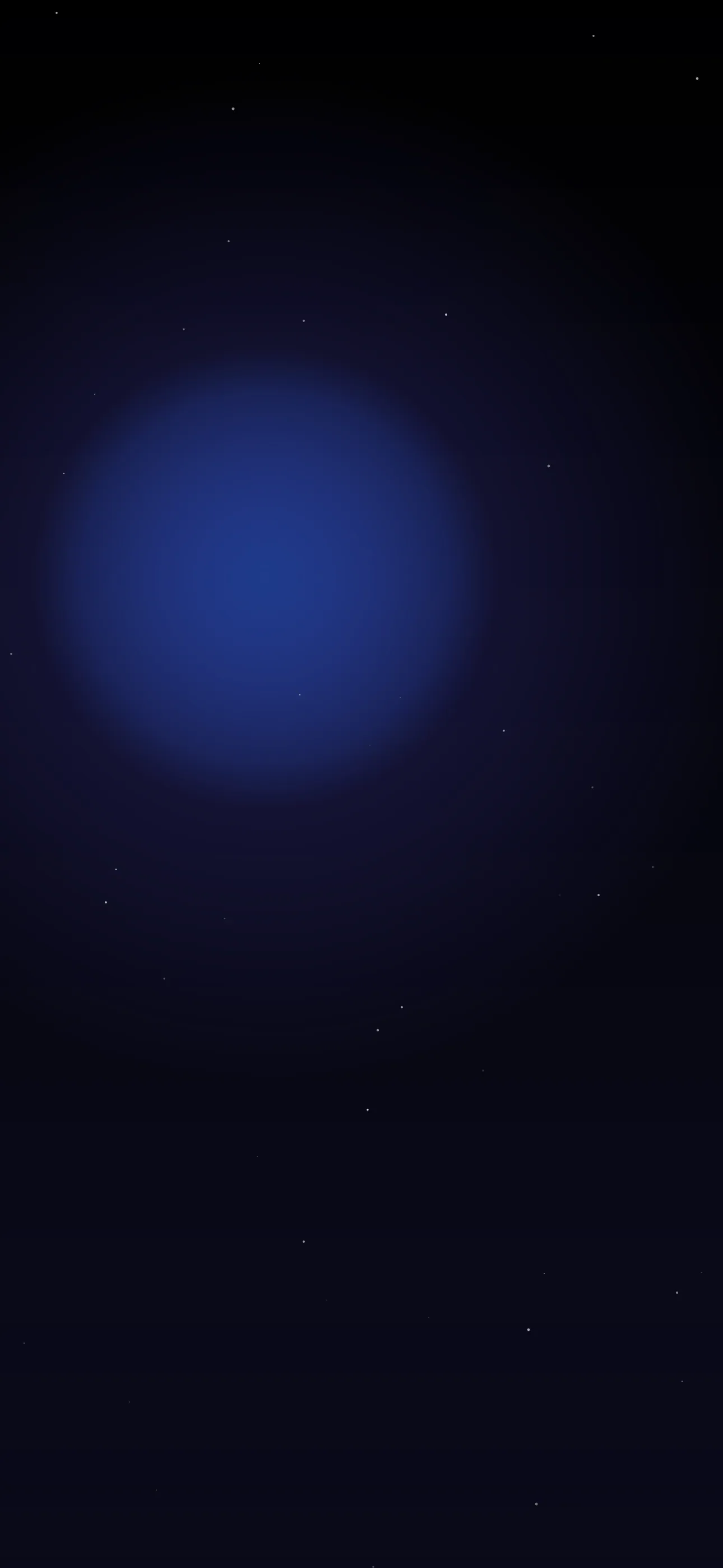
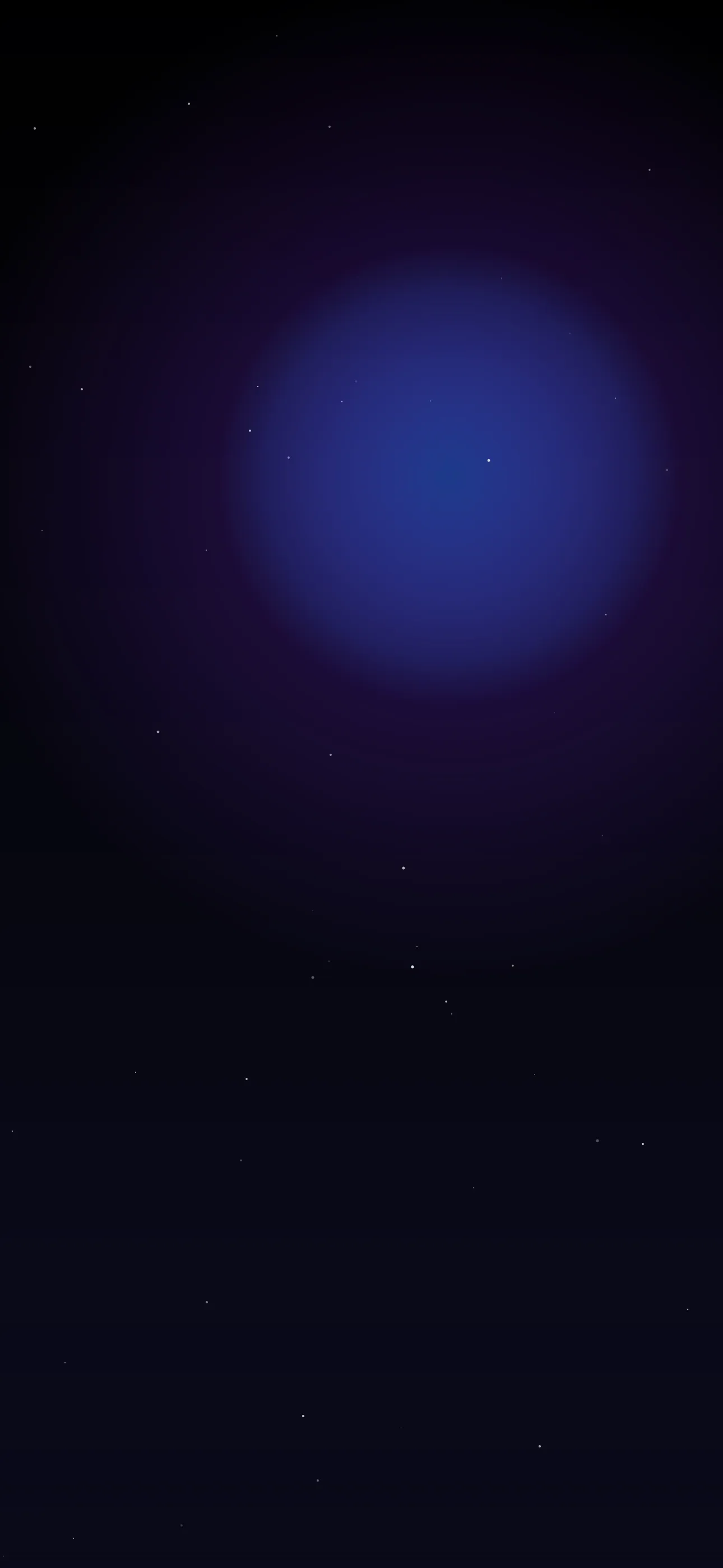
The Pro Max’s OLED panel turns true-black pixels off entirely. That makes dark wallpapers a standout choice: maximum contrast for the clock, a Dynamic Island that disappears into the top bezel, and a modest battery saving across all those extra pixels. A deep, near-black image with a single pool of color reads as genuinely premium on a screen this size. A black-to-color gradient — black up top, the finish’s color blooming below — is a reliable pick.
iOS 26 on the big screen
Running iOS 26, the Pro Max gets the full set of lock-screen tools, and the large display makes some of them more impressive:
- Spatial Scenes give a still photo a holographic shift as you move the phone; the effect feels more immersive on a bigger panel.
- Liquid Glass UI layers translucent notifications and clock over your image, so smooth tonal areas behind the clock look pristine.
- The dynamic, auto-resizing clock fills empty top space gracefully.
- The Always-On blur toggle keeps even detailed wallpapers tasteful when the screen dims.
Getting and tailoring images
When you want a specific look at full size, the AI generator builds at the Pro Max’s native resolution from a prompt — handy because finding existing files at 1320 x 2868 can be tricky. If a favorite photo is framed wrong, the editor re-crops and anchors it to the exact pixel count instead of leaving iOS to zoom awkwardly. For motion, live wallpapers animate on touch-and-hold and look great on this display. Browse a device-filtered selection in the wallpaper library.
A quick workflow: choose or generate at 1320 x 2868, keep the top quiet, set it, then open Customize to test Spatial Scenes and confirm the clock reads cleanly against your image.
Get Wallpaper Hub on the App Store
The iPhone 17 Pro Max gives you more pixels and more room than any iPhone before it. Feed it a genuinely high-resolution image, compose for the height, and lean on OLED black and iOS 26 — and the result is a lock screen that does justice to the best display Apple makes.
FAQ
What is the native resolution of the iPhone 17 Pro Max? It renders at approximately 1320 x 2868 pixels at a ~19.5:9 aspect ratio — the highest pixel count in the iPhone lineup, so wallpapers should match or exceed it.
Do I need a true 4K wallpaper for the Pro Max? You need an image at least as large as 1320 x 2868. A 4K-class file comfortably exceeds that, so it downscales cleanly and stays sharp on the large display.
Are dark wallpapers worth it on the Pro Max? Yes. The OLED panel switches true-black pixels off, boosting clock contrast, hiding the Dynamic Island, and saving a little battery across the display’s many pixels.
Wallpapers from Wallpaper Hub
Full gallery