Best Green Wallpapers for iPhone
A guide to green wallpapers for iPhone, from deep forest and emerald to soft sage, with clock contrast tips, nature themes, and AI generation advice.
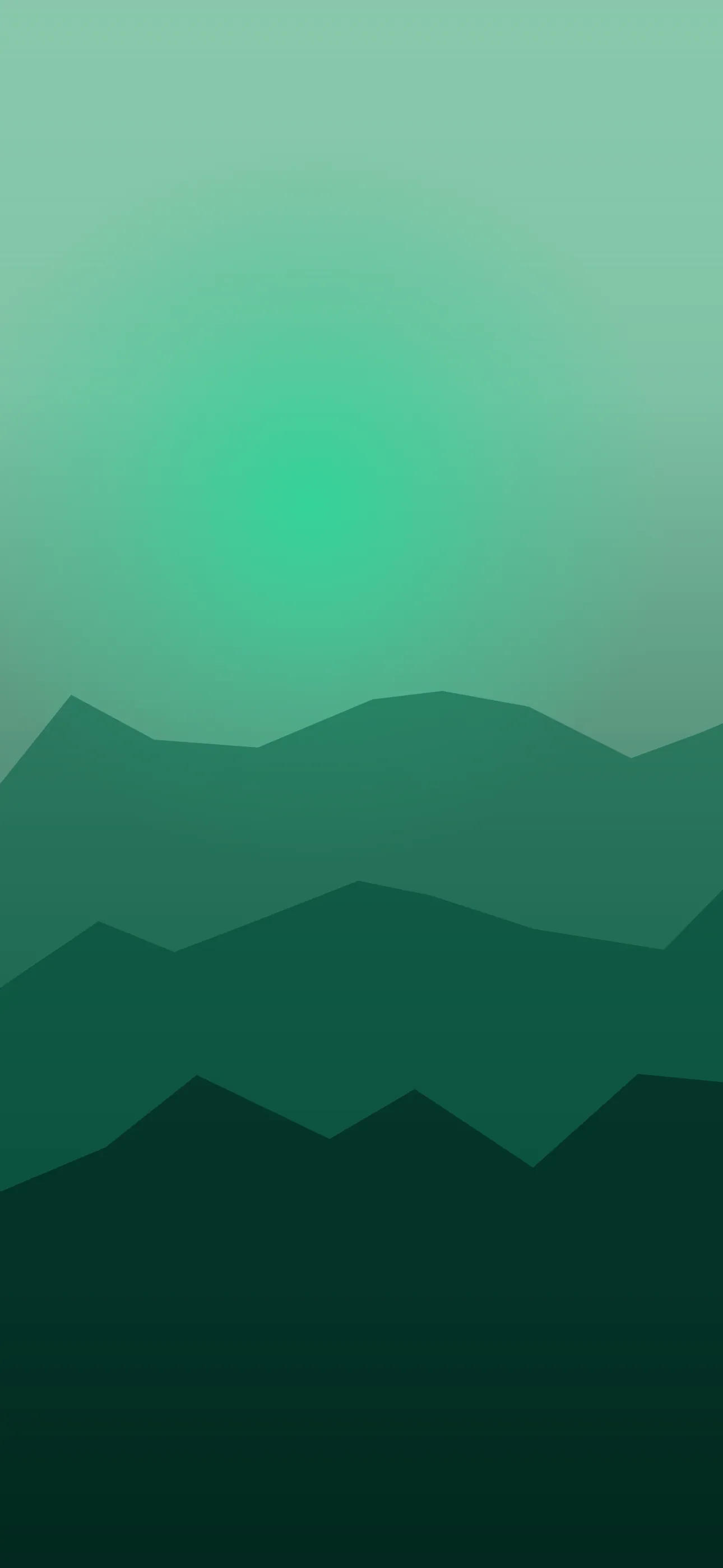
Green is the color of calm. It is the easiest hue to look at for long stretches, it reads as natural and grounded, and it spans everything from a deep forest near-black to a soft, design-forward sage. Because green is so closely tied to nature, it also pairs effortlessly with real photography. This guide covers the green family and how to compose it so the clock and widgets stay clean.
The green range and what each shade signals
Where you land on the green spectrum changes the whole mood:
- Forest and pine — deep, dark greens. Grounded, OLED-friendly, easy on the clock.
- Emerald and jewel green — rich and saturated, luxurious without being loud.
- Sage and eucalyptus — muted, slightly grey greens. The most “interior design” of the family.
- Lime and mint — bright, fresh, energetic greens at the light end.
Forest and sage are the two most popular for a reason: forest gives you a deep, calm screen with clean clock contrast, while sage is soft enough to feel minimalist and modern.
Why deep green suits OLED
On OLED iPhones — the Pro models and the standard line from the iPhone 12 onward — very dark forest greens sit close to the panel’s off state. You do not get the full pure-black battery saving, but a deep pine green keeps the screen seamless and lets brighter foliage or accents glow against it. If you like the dark aesthetic but want something warmer and more organic than pure black, deep green is a natural choice.
Composing around the clock and Dynamic Island
Most greens are mid-to-dark, so iOS usually picks a light clock that contrasts cleanly. Sage and pale mint are the exceptions — light enough to trigger a dark clock — so treat those like a light wallpaper and keep the top third even.
Keep the upper-middle third quiet so the clock has a consistent background, and push any focal element into the lower half: a single fern, a leaf, a forest highlight, sitting above the widget row and the flashlight and camera buttons. On deep green the Dynamic Island blends in well. Set art at native resolution — 1290 x 2796 on the 6.7-inch and 6.9-inch models, up to 1320 x 2868 on the iPhone 17 Pro Max — so leaf detail and gradients stay crisp.
Nature, gradients, and sub-styles
Green is the most natural fit for real photography of any color, but it works in several modes:
- Forest and foliage photography — real leaves, ferns, and canopy light.
- Sage minimalism — a flat, muted green field with a single line drawing or shape.
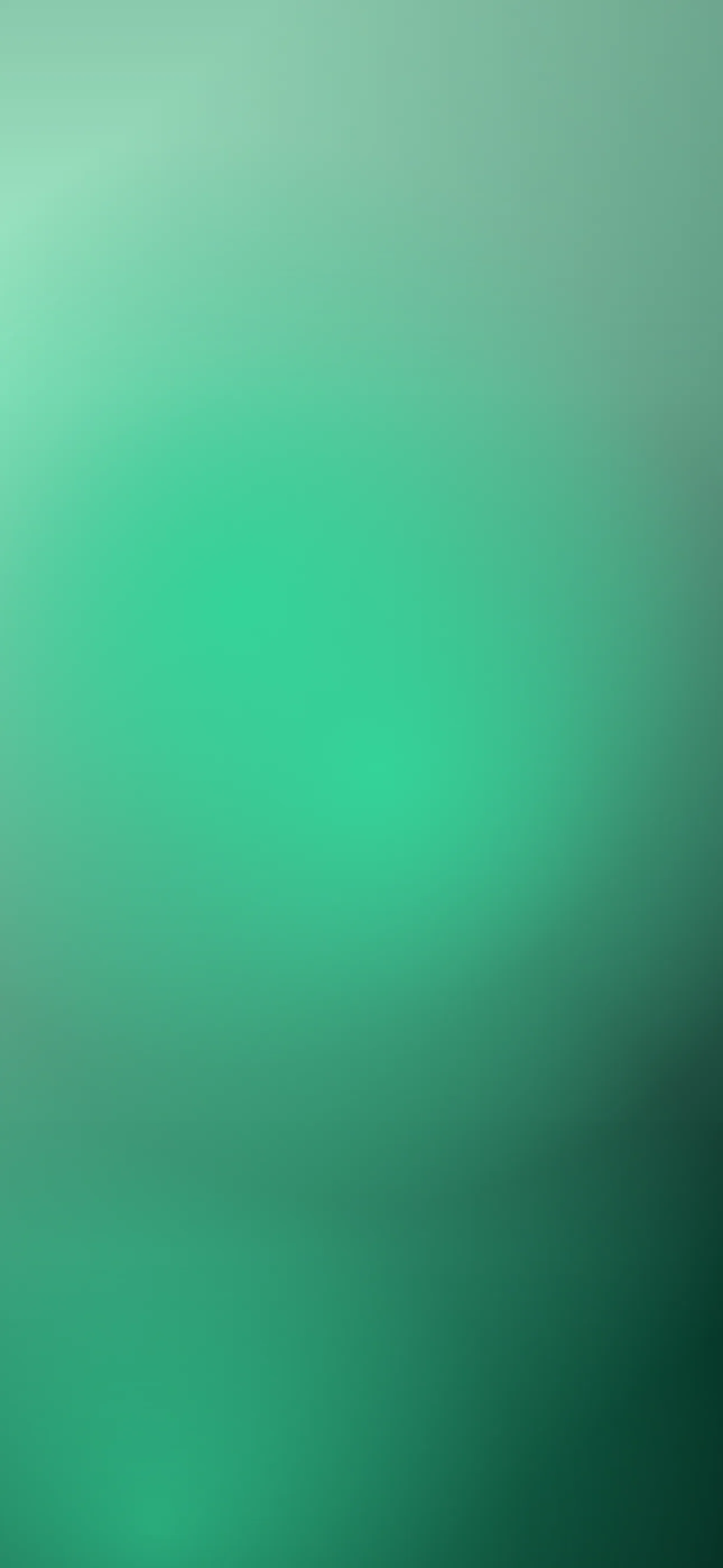
- Emerald gradients — smooth green-to-teal or green-to-black blends.
- Abstract botanical — stylized leaf shapes and organic curves.
For literal plant and landscape themes, the nature collection is the obvious starting point, and the minimalist style suits sage treatments.
Widgets, accents, and Depth Effect
Green is a calm backdrop for widgets. Light clocks and glyphs read cleanly on the darker shades, and green pairs beautifully with cream, terracotta, gold, and warm wood tones. Avoid harsh neons against deep green; they fight the calm that makes green work.
A single bright leaf or object on a clean dark-green field is a good Depth Effect candidate — iOS lifts it in front of the clock for a layered look. Subtle motion suits green too: gently swaying leaves or drifting light as a live wallpaper, played when you touch and hold the lock screen.
Making your own green wallpaper
The AI generator does foliage and sage fields well. Name the exact shade — deep forest, emerald, sage, mint — and add pure black background for an OLED-friendly fade. Prompts like deep forest canopy at dusk, single fern lit low in frame, fading to black, vertical or flat sage green field, soft texture, minimal, empty space at top, vertical are reliable. Generate a few, then use the editor to deepen the edges or mute the hue, and confirm the focal point clears the clock.
To set it: save the image, touch and hold the lock screen, tap the plus button, choose Photos, crop so any subject sits below the time, and apply Depth Effect if iOS offers it. For broader setup ideas, see how to make your iPhone aesthetic.
FAQ
Is forest green good for OLED iPhones? Yes. Very dark greens sit near the panel’s off state, giving a deep, seamless screen and a small battery benefit while staying warmer and more organic than pure black.
Which green looks most modern? Sage and eucalyptus — muted, slightly grey greens read as a deliberate design choice and pair cleanly with cream and terracotta widgets.
Wallpapers from Wallpaper Hub
Full gallery